Rodocodo: Code Hour
A coding game for 4-11 year olds that makes learning to code fun and easy
Download

About
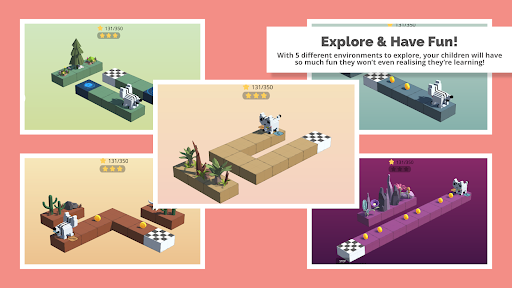
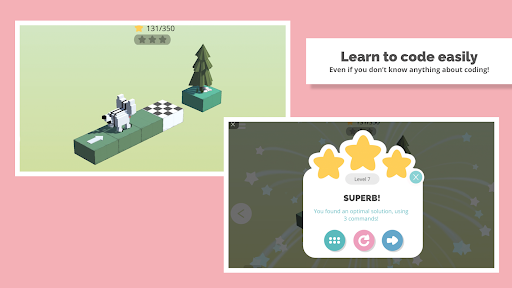
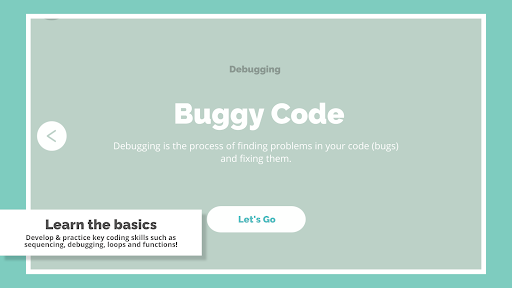
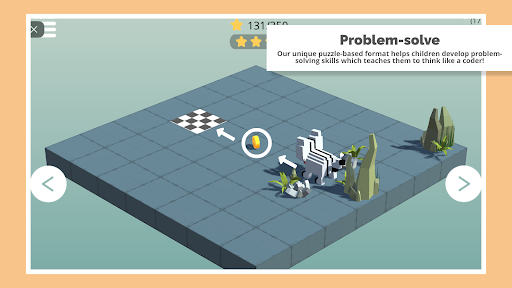
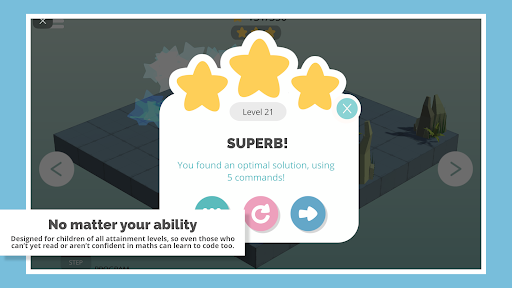
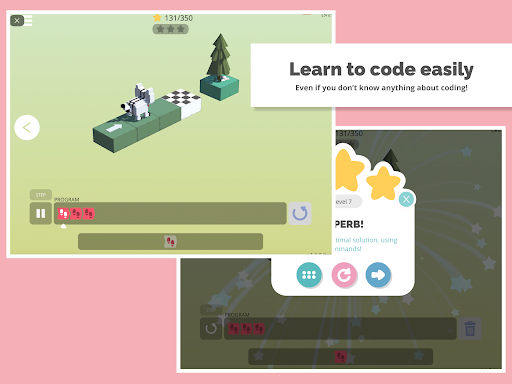
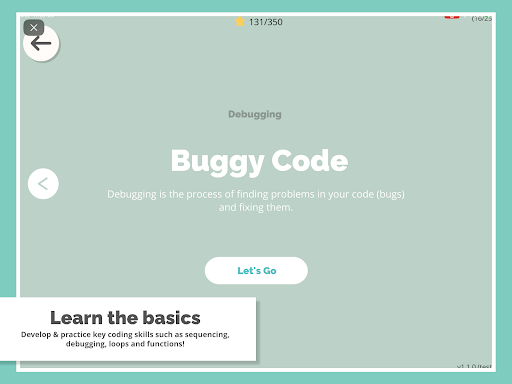
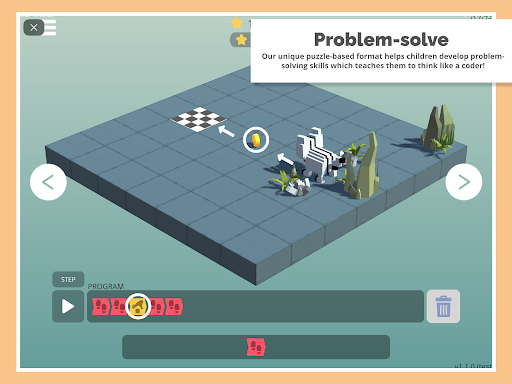
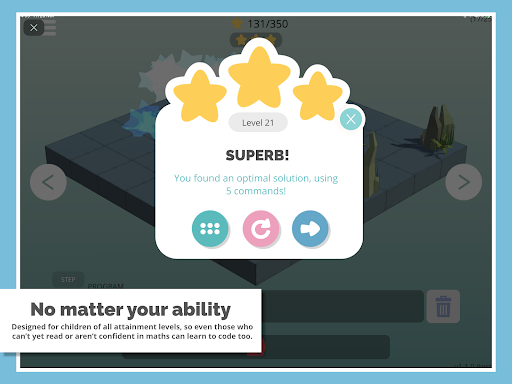
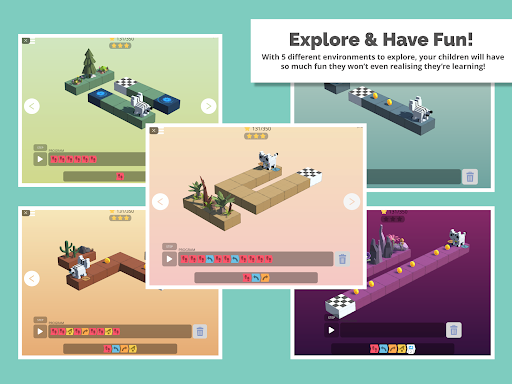
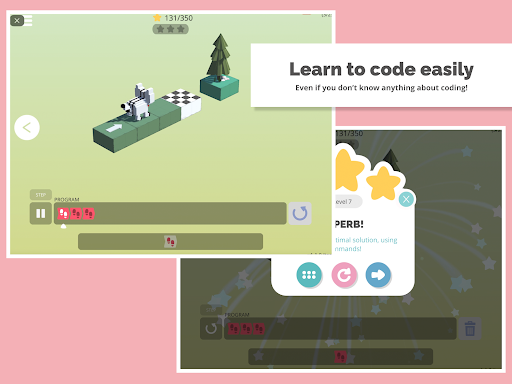
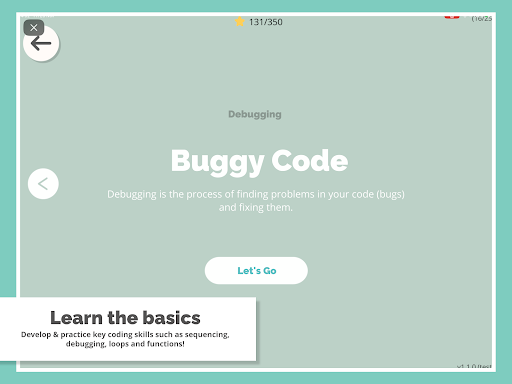
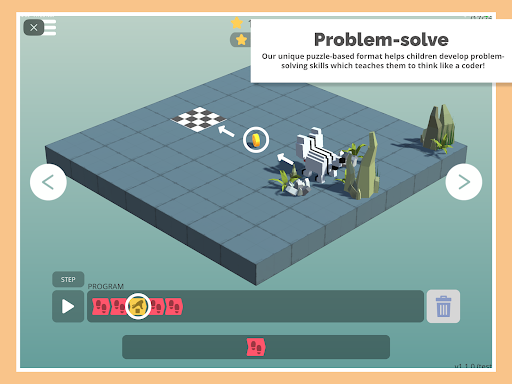
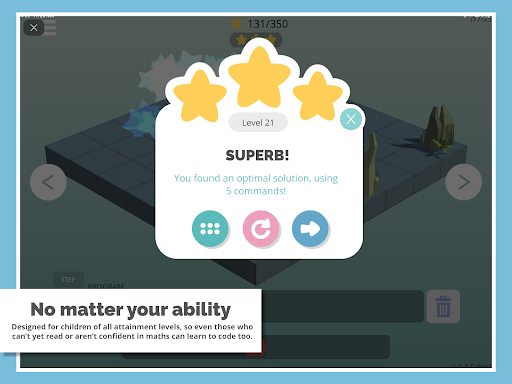
Explore new worlds while learning to code with Rodocodo’s new “Code Hour” coding puzzle game. *FREE Hour of Code Special* Have you ever wondered how to make your own video games? Or maybe you'd like to make an app, but don't know where to start? Learning to code makes this possible! And with Rodocodo it’s easy to get started. You don’t need to be a maths whizz or a computer genius. Coding is for anyone! Help guide the Rodocodo cat through new and exciting worlds while learning the basics of coding. With 40 different levels to complete, how far can you get? *What is Hour of Code?* Hour of Code aims to introduce all kids to the world of computer science through an hour of fun coding activities. Purposefully designed to demystify coding, Rodocodo shares the belief that learning to code can not only be fun but should also be open to anyone. As such we have developed an “Hour of Code” special edition Rodocodo game, completely free for everyone to use! *What’s Included* Through 40 different exciting levels, you can learn many of the key coding basics including: * Sequencing * Debugging * Loops * Functions * And more... Our “Hour of Code” special edition version of Rodocodo is completely free and contains NO in-app purchasing options. To find out more about our Rodocodo game for schools and other resources we offer, visit us at https://www.rodocodo.com.
Info
Genre
Educational
Rating
Rated for 3+
Release
Dec 4, 2021
Last Update
We rebuilt some levels to make the challenge curve smoother and more fun — no tricky surprises!<br><br>Young coders who complete the Junior age 4–7 course will have learnt everything they need to jump into the age 7–11 course for even more adventures.

Reviews
Anthony Dyck
This is a fun coding game! Just it is short i did both things the eazy and the hard mode in one day. I have ideas on some more levels 1. You can make it so you can put the repeat thing in a repeat thing this would make a big change 2. You can add reverse blocks like move backward or play the program in reverse but then it turns of to make it so its not a loop cuz you would fail then thats my ideas. Goood game
Debby Situmorang
My favorite thing about this game is that it encourages creativity and critical thinking and it's free to play! Good for showing kids to learn
John Chandler
Love this app for my son. I just wish it was longer!
JeanAnn Pettry
It is so fun!!! You can code anything and that guves it a 4/5
Janine Teufl
I like this game a lot but the last level was very hard to reach 3 stars in. Had to get a guide. Some hints would have been nice.
Oleg K
Nice. It is simple and short, but mind you, no ad plague! (almost unheard of these days)
Lukas Oppermann
Love the game and so does my 5-year old. The UI is a bit small though, especially when you play on a tablet. Also there is a big in the Bugfix level. If you accidentally click on a pickup tile it gets deleted and you can't add it back, so you have to restart the level to finish it.
mena naeem
Good game
jona halford
It's amazing
Jernice Jones
I did coding in class so I downloaded this and it amazing
Fakazile Bhengu
it teachs me about CODEING AND ROBOTICS i love